
Translate
Translate text on your Mac with AI, from a shortcut
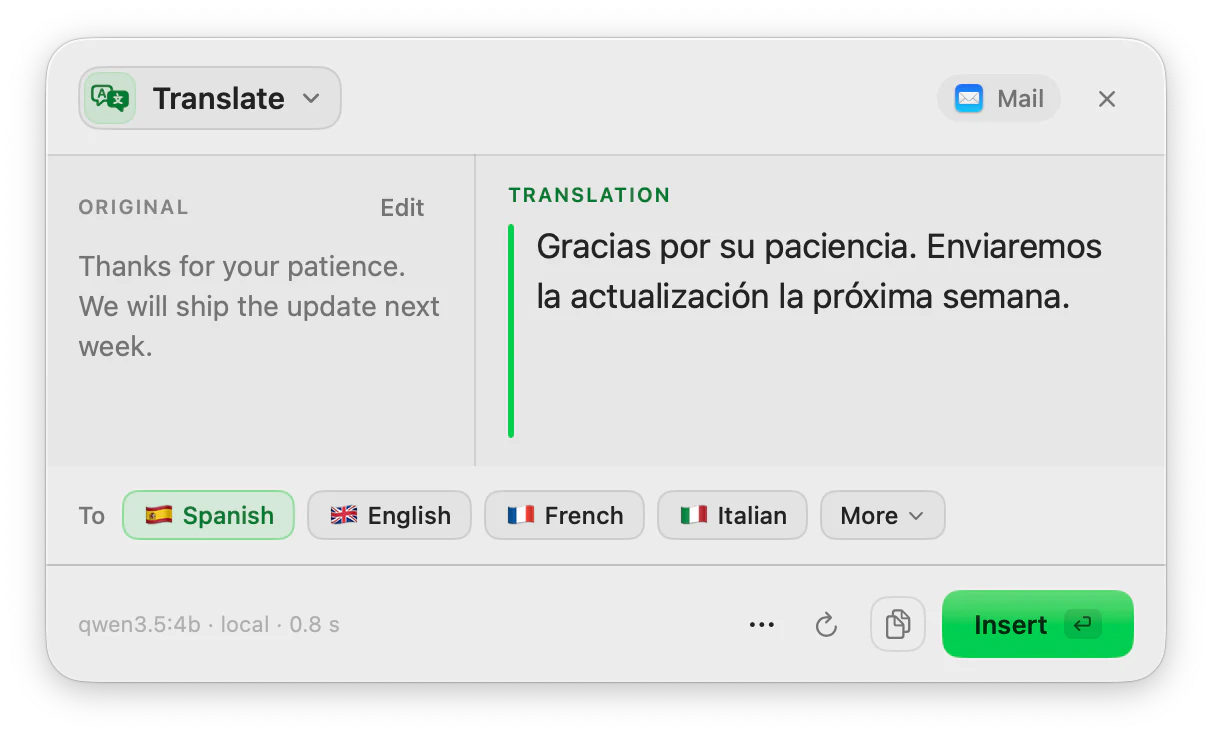
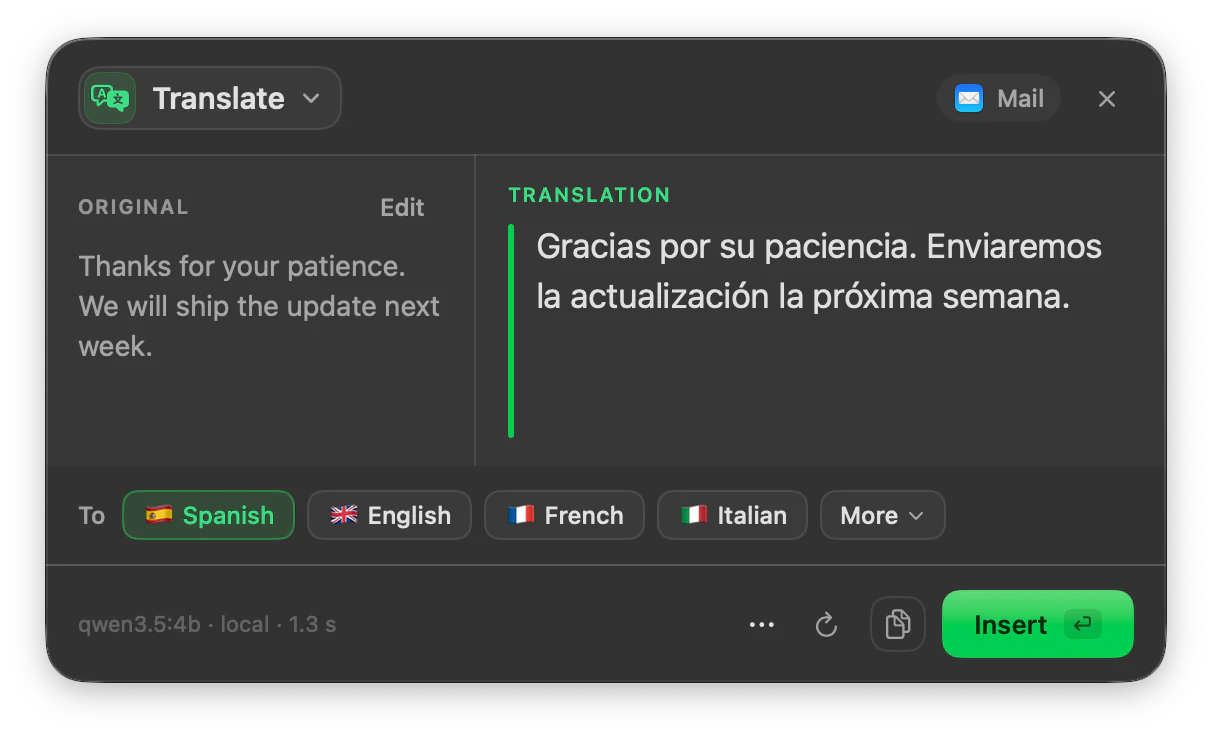
Select the text, press your shortcut and pick a language. The translation appears next to the original and you insert it where you were writing.
macOS 14 or later · Free while in beta · No subscription
In short
Translate is the ToneMate action that translates the text you select on your Mac into one of 10 languages: Spanish, English, French, Italian, German, Portuguese, Dutch, Chinese, Japanese and Arabic. It runs on a local model on your Mac or on a cloud model with your own API key, and the translation is shown next to the original before you insert it.
Quick facts
- 10 languages: Spanish, English, French, Italian, German, Portuguese, Dutch, Chinese, Japanese and Arabic.
- Choosing a language runs the translation; you can switch language and run it again from the same panel.
- Works on a selection, on text you dictate, and on PDF, TXT, Markdown and RTF files (up to 200,000 characters).
- Local models (Ollama, MLX) or your own cloud API key; you choose the model for this action.
How it works
- 1
Select the text
Highlight the text you want translated: a sentence, an email, a paragraph.
- 2
Press your shortcut
Use the shortcut you assigned to Translate, or open it from the menu bar. The panel opens next to your text.
- 3
Pick a language
Choose the target language from the list. You can hide the languages you never use.
- 4
Insert the translation
Read it next to the original and press Insert to replace your selection, or Copy to keep it on the clipboard.
Translate, then refine without leaving the panel
The panel is shared by all actions, so after translating you can switch to Proofread or Rewrite on the same text without selecting it again. If you do this often, a pipeline chains the steps for you: for example translate, then proofread.
Type the instruction in your own text
If the optional inline assistant is on, ToneMate can recognise an instruction written at the end of your text, such as “translate this to English”, and offer to run it. It recognises instructions in English, Spanish, Italian, French, German and Portuguese.
Whole documents
Open a PDF, TXT, Markdown or RTF file in ToneMate and translate it as a document, up to 200,000 characters. There is no OCR, so a scanned PDF without a text layer cannot be read.
Good to know
What it does not do, and what you need first.
- Translation quality, including tone and idiom, depends on the model you choose; ToneMate asks for the translation only, with no explanations, and does not guarantee a result.
- Small local models can be slower or less accurate than large cloud models. “Test on this Mac” checks a local model with 12 real tests before you rely on it.
- The app interface is in English for now, even though you can translate into Spanish and eight other languages.
- It works where you can select, copy and paste text.
Where it helps
An email in another language
Translate an incoming message to understand it, or your answer before you send it.
Short texts for a product
Translate a few lines of interface text or a description and insert them in place.
A document you received
Translate a PDF with a text layer, or a Markdown or RTF file, as a whole.
A message you dictated
Dictate in your language, translate it, insert it in the other one.
Frequently asked questions
Which languages can ToneMate translate into?
Spanish, English, French, Italian, German, Portuguese, Dutch, Chinese, Japanese and Arabic. You can turn off the ones you do not use so the list stays short.
Does it keep the tone of the original?
The prompt asks the model to translate faithfully and return only the translation. How well tone and idioms survive depends on the model, which is why the original and the result sit side by side before you insert.
Can I translate a PDF or a document?
Yes, PDF, TXT, Markdown and RTF files up to 200,000 characters. PDFs need a text layer: there is no OCR for scanned documents.
Is my text sent to a server?
ToneMate never sends your text to its own servers. With a local model your text is processed on your Mac; with a cloud model it goes straight to the provider whose API key you added. The app only contacts ToneMate to check your license.
Does it work offline?
Local models and dictation work without a connection once their models are downloaded. The license needs a connection to activate and to be checked again at least every 7 days.
Can I buy or download ToneMate today?
You can download it, but not buy it yet. ToneMate is in free beta: download the app and request a free license key, which has no fixed end date. The plan for the full version is a one-time purchase that includes 2 licenses; when the first stable version comes out, a 30-day free trial starts.
Keep exploring
- RewriteChange the tone and wording of selected text, and compare it with the original before you insert it.Learn more
- ProofreadFix grammar, spelling, punctuation and style in the text you select, and see every change.Learn more
- ReplyDraft a reply from the conversation you can see, in a tone that fits the app, and review it before inserting.Learn more
- SummarizeSummarize selected text, a spoken note or a document into a short version, with the model you choose.Learn more
Translate with ToneMate in the free beta
ToneMate is in free beta. Download it and request a free license key: we email it to you.
Last updated: