
Expand / Shorten
Expand or shorten text with AI, keeping your message
Turn a one-line note into a fuller message, or trim a long paragraph down to the point. Pick Expand or Shorten and compare the result with your text.
macOS 14 or later · Free while in beta · No subscription
In short
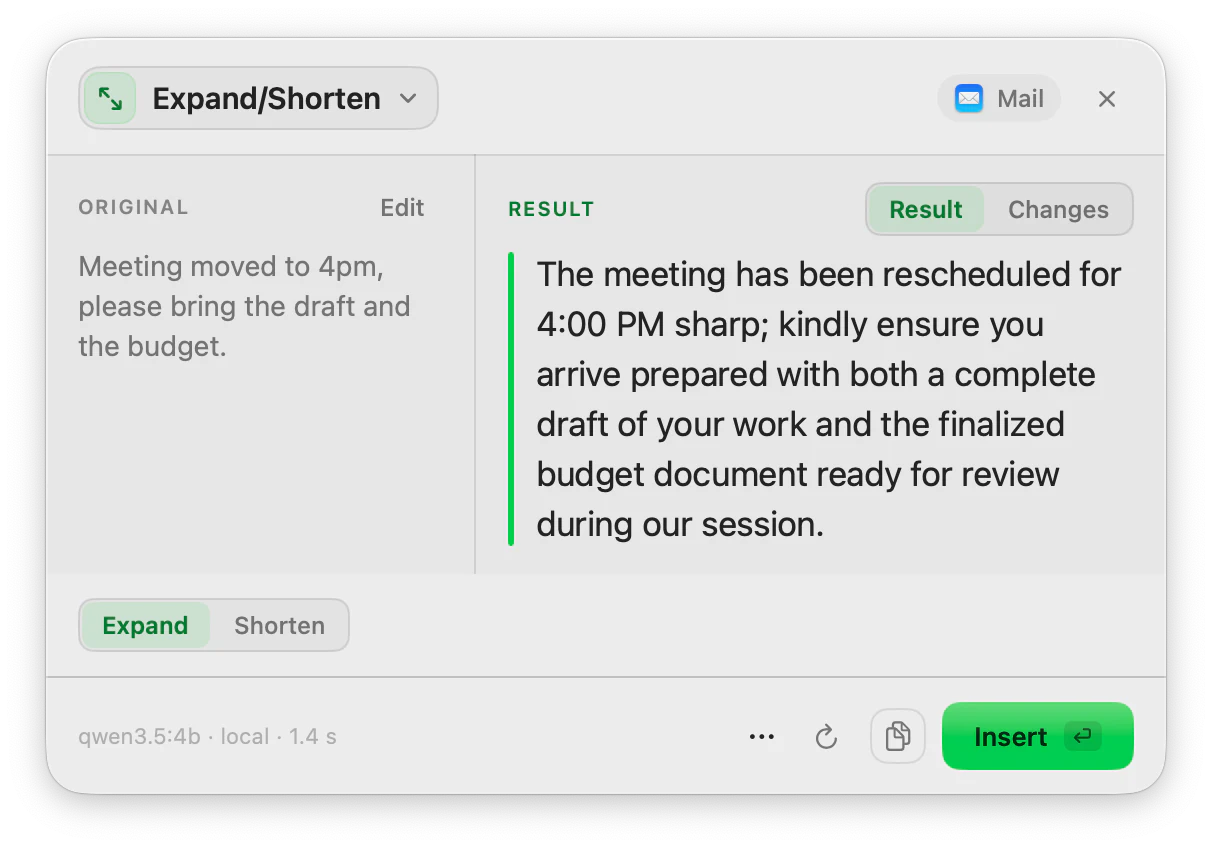
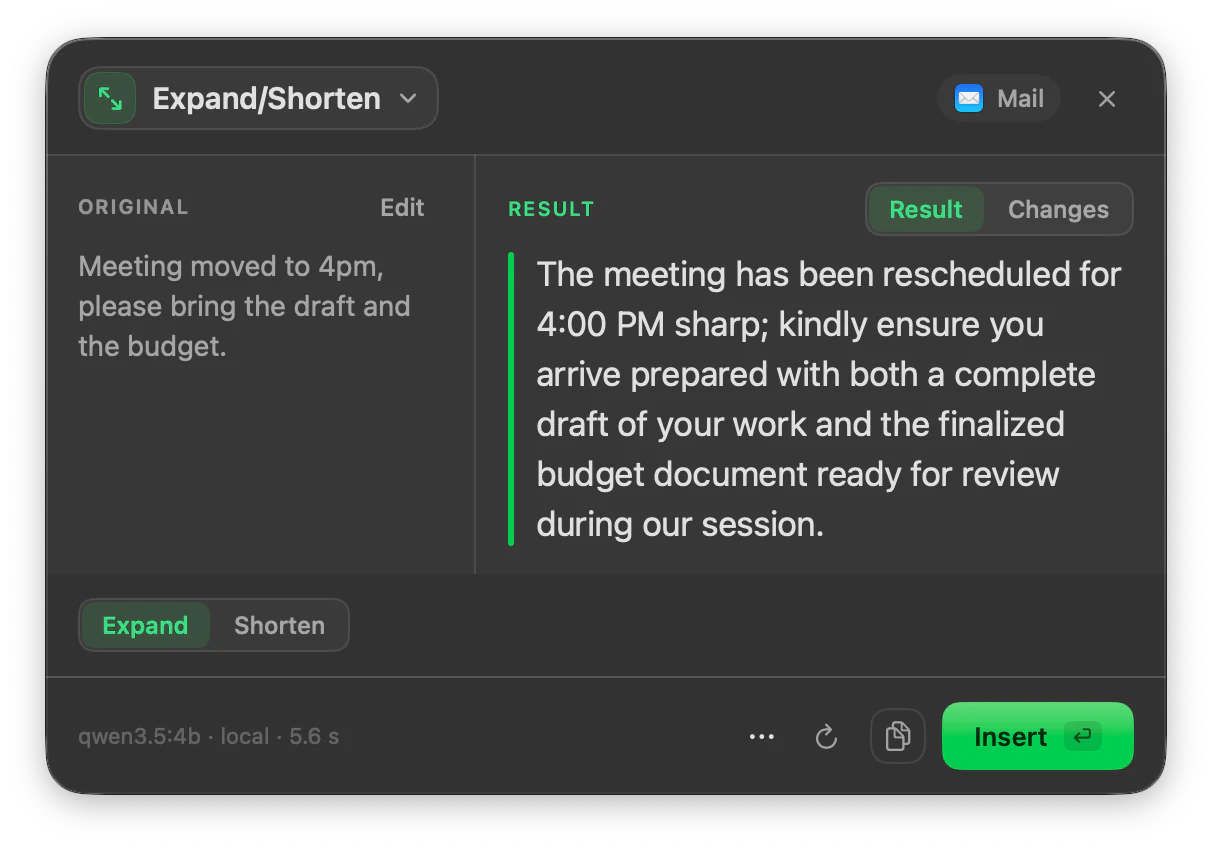
Expand/Shorten is the ToneMate action that changes the length of the text you select on your Mac. Expand turns a brief note into a fuller message; Shorten cuts a long one down. It keeps your core message, shows the result next to the original with a Changes view, and runs with a local model or your own API key.
Quick facts
- Two modes in one action: Expand and Shorten. Choosing one runs it.
- A Changes view marks what was added or removed.
- Regenerate keeps every version so you can pick the one you like.
- Local models (Ollama, MLX) or your own cloud API key.
How it works
- 1
Select the text
Highlight the note or the paragraph you want to change.
- 2
Press your shortcut
Use the shortcut you assigned to Expand/Shorten, or open it from the menu bar.
- 3
Pick Expand or Shorten
Choose the mode. The action runs when you pick it, and you can switch and run it again.
- 4
Insert the result
Read it against the original, then Insert or Copy.
Length is a separate dial from tone
Rewrite changes tone and wording; Expand/Shorten changes length. Keeping them apart means you can shorten a message without changing how it sounds, and then use Rewrite if you also want a different tone. Chain them in a pipeline if you do both often.
Check what survived
The Changes view marks what was added and what was cut. When you shorten, look at the cut parts to make sure nothing important went with them.
Good to know
What it does not do, and what you need first.
- ToneMate does not target an exact word count. Expand and Shorten adjust length in a direction and the amount depends on the model.
- An expanded text adds wording, not facts. Review it, because a model can add detail you did not mean.
- Quality and speed depend on the model you choose.
- It works where you can select, copy and paste text.
Where it helps
A quick note to a colleague
Expand a few words into a clear, complete message.
A long email
Shorten it so the request is in the first lines.
A description that is too wordy
Trim it to fit where it has to go.
A draft that needs more body
Expand it, then proofread it.
Frequently asked questions
Can I set an exact length?
No. Expand and Shorten move the length up or down, and by how much depends on the model. For a hard limit, shorten and then check the count yourself.
What is the difference between Shorten and Summarize?
Shorten keeps your own text and wording and makes it tighter. Summarize condenses the content into a short new text, aiming for around a third to a half of the original length.
Does it change my tone?
It is asked to keep your message. If you also want a different tone, run Rewrite afterwards.
Is my text sent to a server?
ToneMate never sends your text to its own servers. With a local model your text is processed on your Mac; with a cloud model it goes straight to the provider whose API key you added. The app only contacts ToneMate to check your license.
Can I buy or download ToneMate today?
You can download it, but not buy it yet. ToneMate is in free beta: download the app and request a free license key, which has no fixed end date. The plan for the full version is a one-time purchase that includes 2 licenses; when the first stable version comes out, a 30-day free trial starts.
Keep exploring
- RewriteChange the tone and wording of selected text, and compare it with the original before you insert it.Learn more
- SummarizeSummarize selected text, a spoken note or a document into a short version, with the model you choose.Learn more
- ProofreadFix grammar, spelling, punctuation and style in the text you select, and see every change.Learn more
- GenerateWrite a first draft from a short prompt, typed or spoken, and insert it where you are writing.Learn more
Try Expand/Shorten in the free beta
ToneMate is in free beta. Download it and request a free license key: we email it to you.
Last updated: