
Rewrite
Rewrite text with AI, in the tone you choose
Select a draft, press your shortcut and get a rewritten version next to your text. Type the tone you want, compare it with the original and insert it back.
macOS 14 or later · Free while in beta · No subscription
In short
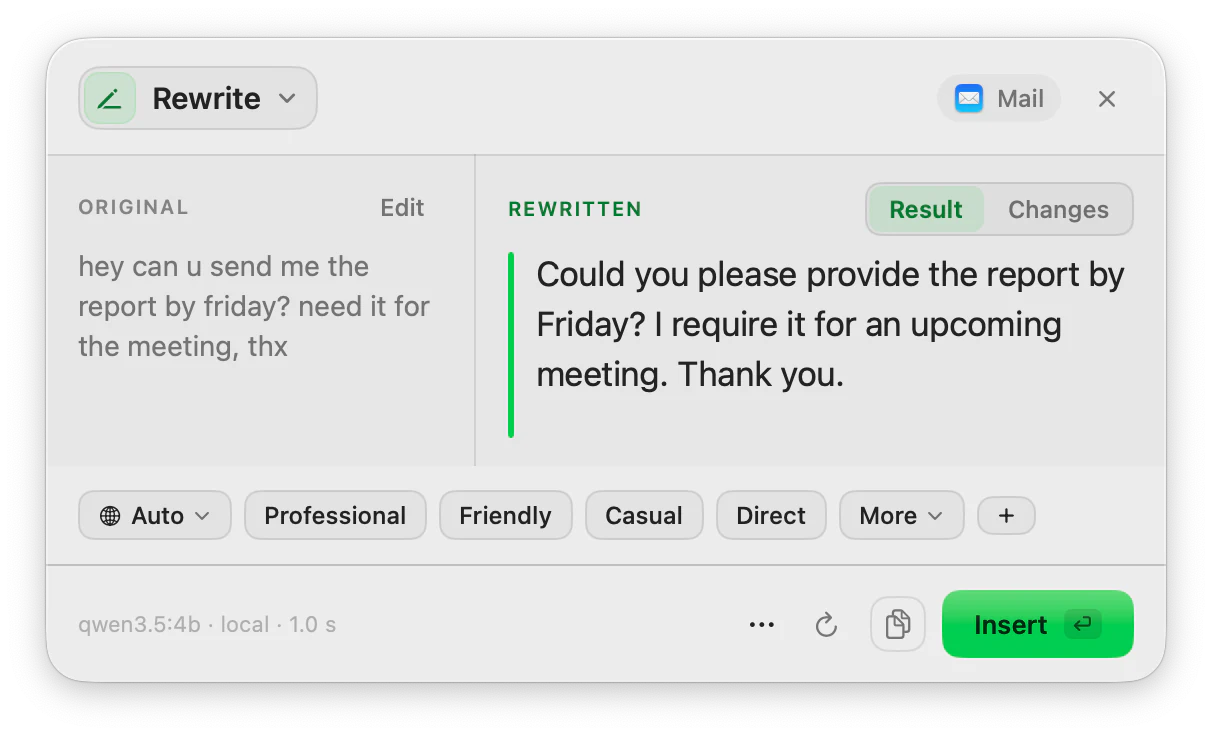
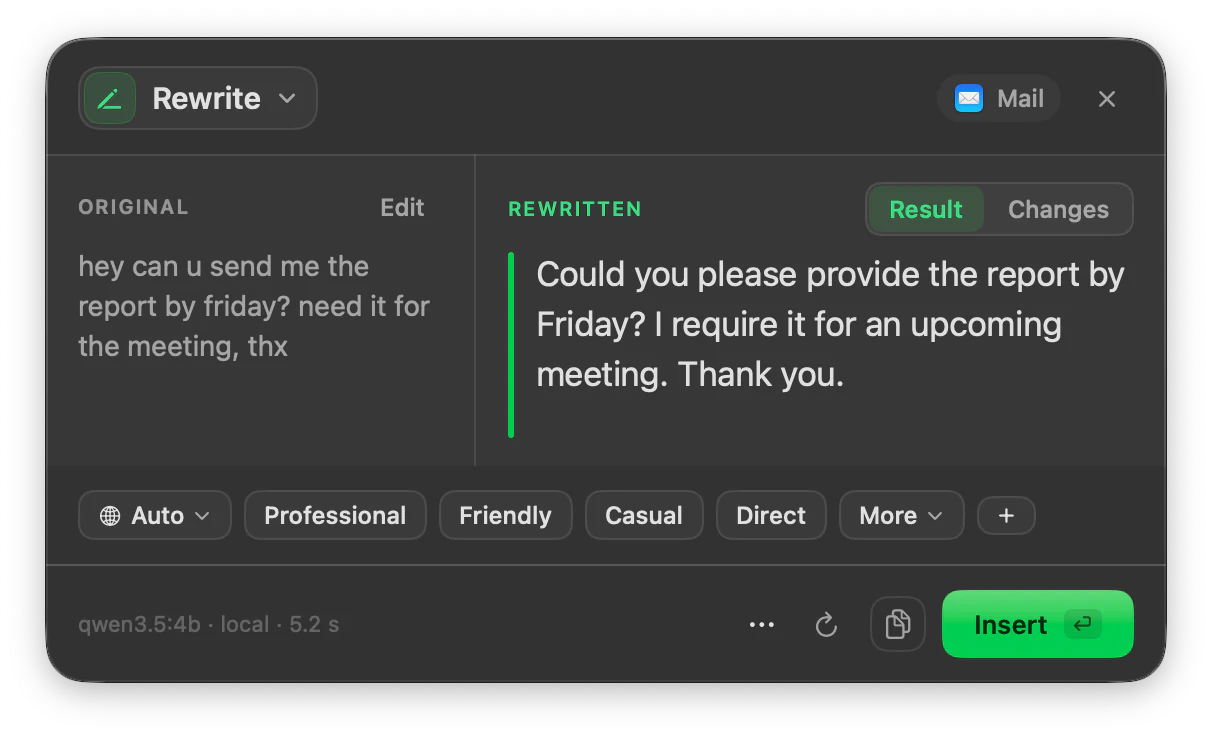
Rewrite is the ToneMate action that changes the tone and wording of the text you select on your Mac while keeping its meaning. You type the tone (up to 15 characters, such as “warm” or “firm”), optionally add a short context, and review the result next to the original before inserting it. It runs with a local model on your Mac or with your own API key.
Quick facts
- The tone is free text of up to 15 characters, or one of up to 8 saved presets.
- An optional context line (up to 100 characters) says who the message is for.
- A Changes view marks what was modified, and Regenerate keeps every version you try.
- Works with local models (Ollama, MLX) or your own OpenAI, Anthropic, Google, Mistral or xAI key.
How it works
- 1
Select the text
Highlight a draft where you can select and copy text: an email, a note, a message.
- 2
Press your shortcut
ToneMate has no shortcuts assigned by default; you choose one for Rewrite, or open it from the menu bar. A small panel opens next to your text.
- 3
Pick the tone
Type a tone or choose a preset. With a local model Rewrite starts on its own; with a cloud model nothing is sent until you press Run.
- 4
Insert the result
Compare it with the original, regenerate if you want another take, then Insert or Copy.
A tone you write, not a menu you are stuck with
Instead of a fixed list of styles, the tone is a short text you type. “Professional”, “friendly” and “direct” work, and so does “apologetic”. Save the ones you use often as presets: each preset stores a tone, a context line and a language, and you can keep up to 8.
The context line is for the part that changes the wording most: who is going to read it. “To a new client” or “to my manager” is enough.
See what changed before you accept it
The Changes view marks what was added and removed, word by word, so you can check that your meaning survived. Regenerate stores each new version in the same history entry and lets you step through them.
Speak instead of typing
Rewrite also accepts voice: record your message, ToneMate transcribes it on your Mac and rewrites the transcript. Speech is always transcribed locally.
Good to know
What it does not do, and what you need first.
- The tone field takes up to 15 characters and the context line up to 100; anything longer is cut.
- Rewrite changes tone and wording, not length on demand. Use Expand/Shorten when you need a longer or shorter text.
- You need a model: a local one (Ollama or MLX running on your Mac) or your own API key. Quality and speed depend on the model you pick.
- It works where the app lets you select, copy and paste text. We are still verifying apps one by one.
Where it helps
An email that sounds too blunt
Ask for “warm” or “diplomatic” before you send a draft you wrote in a hurry.
A message to a client
Keep the content and move the register from casual to professional.
Text in your second language
Write it your own way and ask for a cleaner version in the same language.
Rough notes
Turn a list of loose sentences into a tidier paragraph.
Frequently asked questions
How do I rewrite text on a Mac with ToneMate?
Select the text, press the shortcut you assigned to Rewrite, type or pick a tone and read the result in the panel. Insert puts it back in the app you were using; Copy keeps it on the clipboard.
Does Rewrite keep my meaning?
The prompt asks the model to keep your meaning and change only the wording and tone. The result still depends on the model, so ToneMate shows it next to the original, with a Changes view, for you to check before inserting.
Can I use my own tones?
Yes. The tone is free text, and you can save up to 8 presets that each store a tone, a context line and a language.
Is my text sent to a server?
ToneMate never sends your text to its own servers. With a local model your text is processed on your Mac; with a cloud model it goes straight to the provider whose API key you added. The app only contacts ToneMate to check your license.
Can I buy or download ToneMate today?
You can download it, but not buy it yet. ToneMate is in free beta: download the app and request a free license key, which has no fixed end date. The plan for the full version is a one-time purchase that includes 2 licenses; when the first stable version comes out, a 30-day free trial starts.
Keep exploring
- ProofreadFix grammar, spelling, punctuation and style in the text you select, and see every change.Learn more
- Expand / ShortenMake selected text longer or shorter while keeping its message, and see what changed.Learn more
- AI tone rewriterHow to change the tone of a text on a Mac, and how ToneMate lets you type the tone you want.Learn more
- ReplyDraft a reply from the conversation you can see, in a tone that fits the app, and review it before inserting.Learn more
Rewrite with ToneMate in the free beta
ToneMate is in free beta. Download it and request a free license key: we email it to you.
Last updated: