
Guide · Tone
An AI tone rewriter for your Mac: change how a text sounds, not what it says
The same message can read as curt, warm or formal depending on a few word choices. Here is how to pick a tone, and how to change it on the text you have just written.
macOS 14 or later · Free while in beta · No subscription
In short
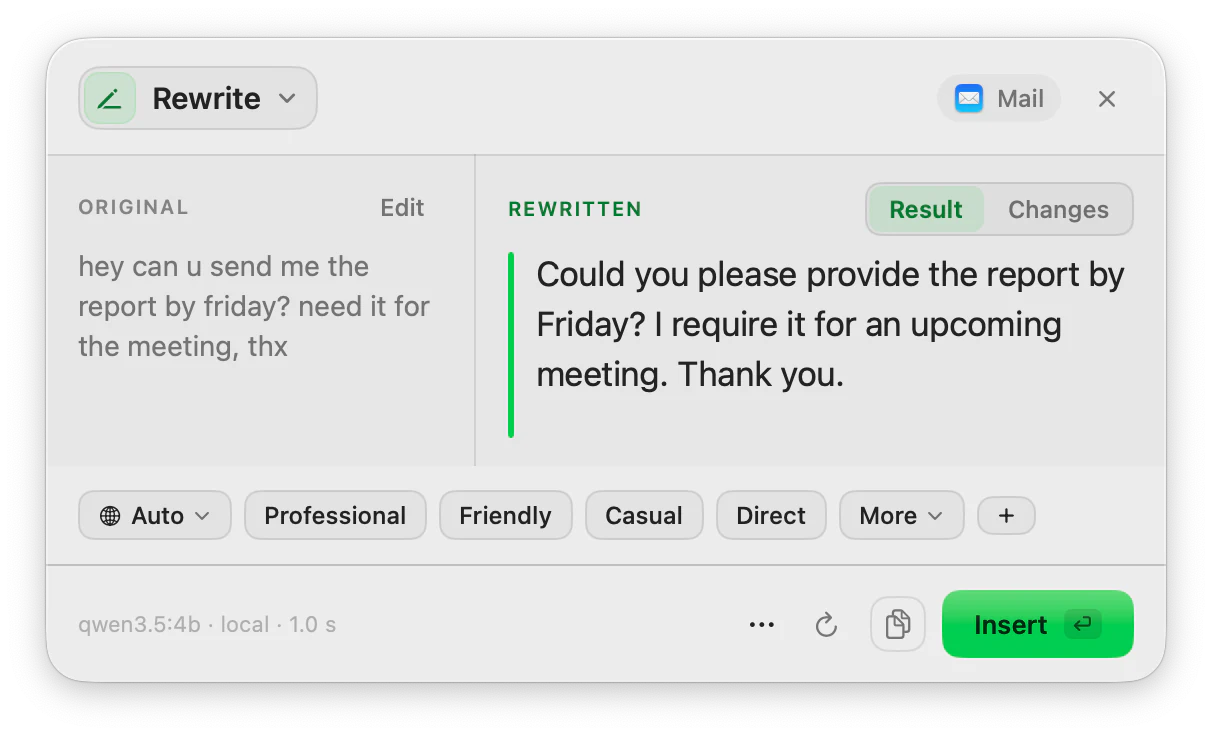
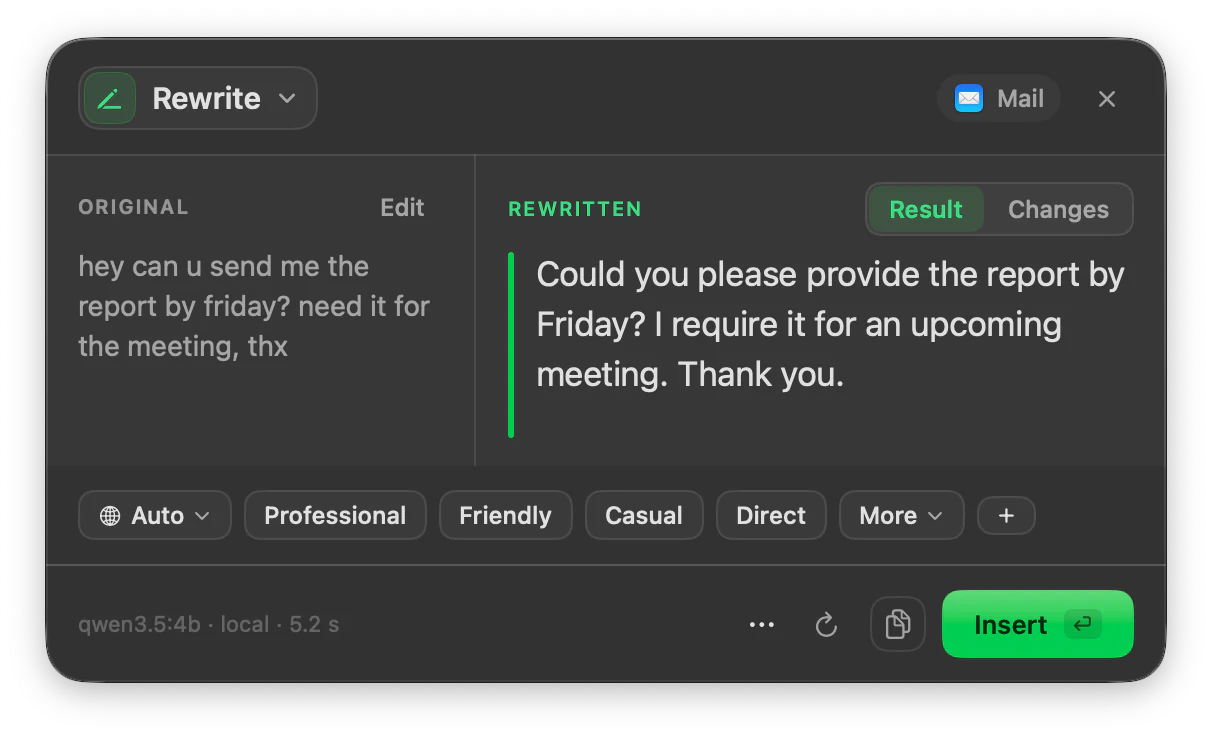
A tone rewriter changes the register of a text (formal, friendly, direct, apologetic) while keeping its content. ToneMate does this on the text you select on your Mac: you type the tone you want, optionally say who will read it, and compare the rewritten version with your original before you insert it. It works with a local model on your Mac or with your own API key.
Quick facts
- You type the tone yourself, up to 15 characters, or reuse one of up to 8 saved presets.
- An optional context line (up to 100 characters) tells the model who the reader is.
- The original and the rewrite sit side by side, with a Changes view.
- It runs with a local model (Ollama, MLX) or your own cloud API key.
How it works
- 1
Decide who is reading
A client, a manager and a friend each expect a different register. Start there, not with adjectives.
- 2
Select your draft
Highlight the text and press the shortcut you assigned to Rewrite.
- 3
Type the tone
Use a word or two, such as “warm” or “firm”, or a preset you saved, and add who it is for.
- 4
Compare and insert
Read the rewrite next to the original, regenerate if it is off, then insert it.
What “tone” changes, and what it should not
Tone is mostly about register and stance: how formal the words are, how much you cushion a request, whether you open with the point or with a greeting. A good rewrite changes those and leaves the facts, names, dates and numbers alone. That is why ToneMate puts the original beside the result: you can check that nothing factual moved.
A model can still slip. Read dates, amounts and names before you send.
A simple way to pick a tone
Ask two questions: what do I need from this person, and what is our relationship? The table below is general writing guidance, not a promise of what a particular model will output.
Keep the tones you use
If you write the same kind of message every day, save the tone, the context line and the language as a preset. ToneMate keeps up to 8, so a “customer, friendly” or “manager, direct” rewrite is one pick away.
Choosing a tone
| Tone you type | Usually fits | What typically changes |
|---|---|---|
| Professional | Clients, managers, a first contact | Complete sentences, no slang, a clear request |
| Friendly | Colleagues you know, customer replies | A warmer opening, softer asks, less distance |
| Direct | Deadlines, status updates | The point first, shorter sentences, fewer cushions |
| Diplomatic | Disagreement, bad news | Acknowledges the other side before the point |
| Apologetic | Mistakes, delays | Owns the issue and says what happens next |
Good to know
What it does not do, and what you need first.
- The tone field takes up to 15 characters and the context line up to 100.
- Rewrite changes tone and wording, not length on demand; use Expand/Shorten for that.
- What a tone sounds like depends on the model. The table is general guidance.
- It works where you can select, copy and paste text, and needs a local model or your own API key.
Where it helps
A reply you wrote while annoyed
Ask for “calm” before you send it.
A request to someone senior
Move from casual to professional without losing the ask.
A message to a customer
Warm up a brisk answer.
Feedback to a teammate
Make it direct and kind.
Frequently asked questions
What is an AI tone rewriter?
A tool that rewrites a text in a different register, such as formal, friendly or direct, while keeping its content. In ToneMate you type the tone you want and compare the result with your original before inserting it.
Can I set my own tone instead of choosing from a list?
Yes. The tone is free text of up to 15 characters, and you can save up to 8 presets that store a tone, a context line and a language.
Will it change facts or numbers?
It is asked to keep your meaning and change only wording and tone, but a model can slip. ToneMate shows the original next to the result with a Changes view so you can check dates, amounts and names.
Is my text sent to a server?
ToneMate never sends your text to its own servers. With a local model your text is processed on your Mac; with a cloud model it goes straight to the provider whose API key you added. The app only contacts ToneMate to check your license.
Can I buy or download ToneMate today?
You can download it, but not buy it yet. ToneMate is in free beta: download the app and request a free license key, which has no fixed end date. The plan for the full version is a one-time purchase that includes 2 licenses; when the first stable version comes out, a 30-day free trial starts.
Keep exploring
- RewriteChange the tone and wording of selected text, and compare it with the original before you insert it.Learn more
- ReplyDraft a reply from the conversation you can see, in a tone that fits the app, and review it before inserting.Learn more
- Expand / ShortenMake selected text longer or shorter while keeping its message, and see what changed.Learn more
- ProofreadFix grammar, spelling, punctuation and style in the text you select, and see every change.Learn more
Change a tone with ToneMate in the free beta
ToneMate is in free beta. Download it and request a free license key: we email it to you.
Last updated: