
Analyze
Review your writing with AI before you send it
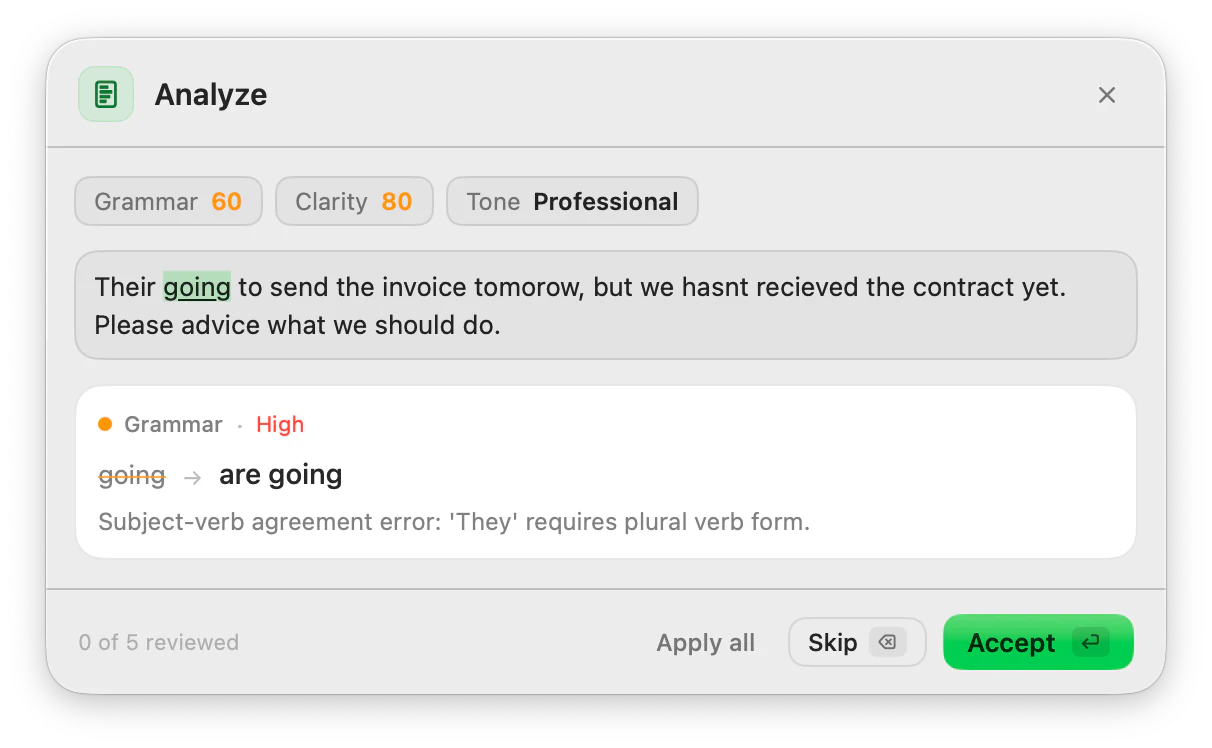
Select a text, press your shortcut and go through the suggestions one at a time: what to change, why, and what it would become. Accept the ones you like.
macOS 14 or later · Free while in beta · No subscription
In short
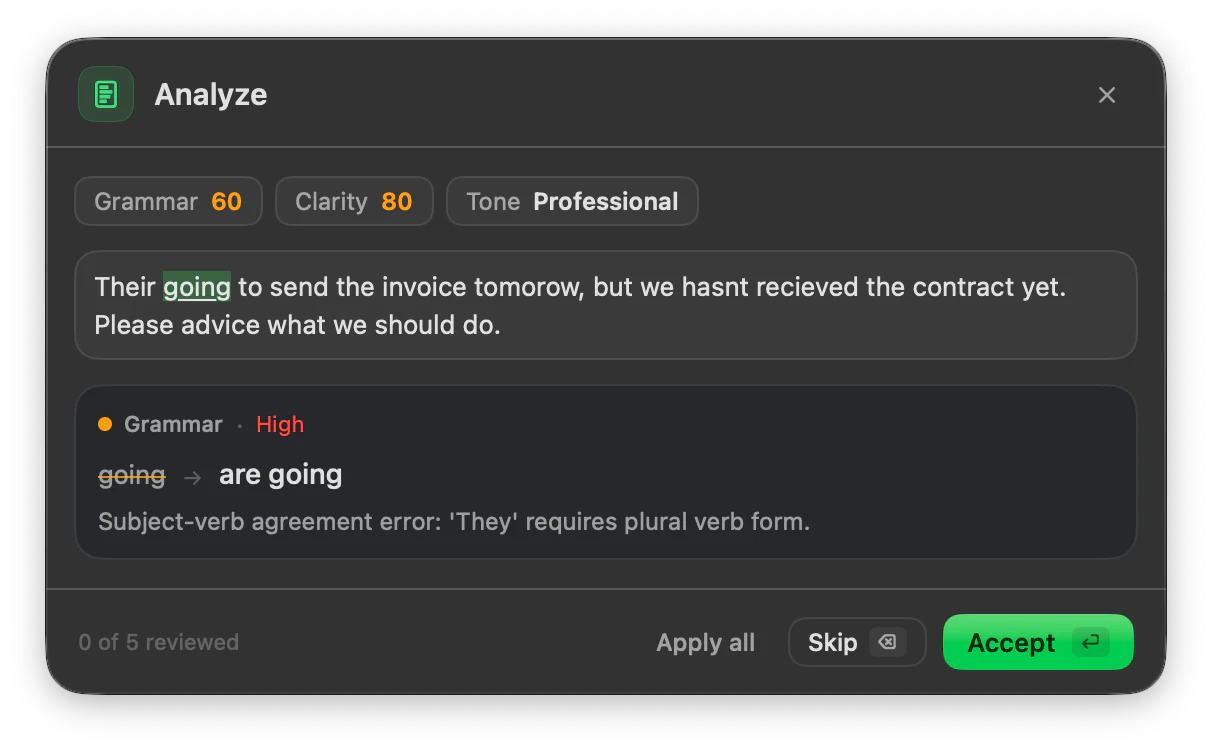
Analyze is the ToneMate action that reviews a text up to 2,000 characters and returns up to 6 suggestions about spelling, grammar, style and punctuation, each with a severity and an explanation. It also gives a grammar score, a clarity score and the tone it detects. You accept or skip each suggestion, or apply them all.
Quick facts
- Up to 6 suggestions per run, each with a severity, the proposed change and a reason.
- A grammar score and a clarity score from 0 to 100, plus a detected tone.
- Accept or skip one by one, or apply all.
- Works on texts of up to 2,000 characters, with a local model or your own cloud API key.
How it works
- 1
Select the text
Highlight up to 2,000 characters: a message, an email, a paragraph.
- 2
Run Analyze
Press the shortcut you assigned to Analyze, or open it from the menu bar, and run it.
- 3
Go through the suggestions
Each one shows the change, its severity and a short explanation. Accept it or skip it.
- 4
Apply and insert
Apply the accepted changes to the text and insert the result.
You decide each change
Instead of returning a rewritten text, Analyze lists what it would change and why. That makes it useful when you want to learn from the corrections or keep control over a text that matters: you take the fixes that are right and ignore the rest.
What the scores are, and are not
The grammar and clarity scores and the detected tone are generated by the model you chose, in the same call as the suggestions. They are a quick read, not a standard metric, and another model may score the same text differently. Treat them as a prompt to look again, not as a grade.
Good to know
What it does not do, and what you need first.
- The panel takes up to 2,000 characters. Select less if the text is longer.
- A run returns at most 6 suggestions. ToneMate tells you when it hits that cap, and you can run it again after applying changes.
- Analyze does not judge intent, risk or SEO. It points out spelling, grammar, style and punctuation.
- Small local models can truncate or miss things; the scores come from the model and are not a fixed metric.
Where it helps
A message that has to land
Check an important email for slips before it goes out.
Learning from your mistakes
Read why each change was suggested, not only what changed.
Writing in a second language
Go through the corrections one by one instead of accepting a whole rewrite.
A quick second pair of eyes
Get a view on grammar, clarity and tone in one pass.
Frequently asked questions
How is Analyze different from Proofread?
Proofread returns the corrected text. Analyze lists up to 6 suggestions with explanations, two scores and a detected tone, and you accept or skip each one.
Are the scores objective?
No. The model that analyzes the text also produces the scores, so they are an estimate and can differ between models.
What is the maximum length?
2,000 characters per run. The panel shows a counter and tells you if the selection is longer.
Is my text sent to a server?
ToneMate never sends your text to its own servers. With a local model your text is processed on your Mac; with a cloud model it goes straight to the provider whose API key you added. The app only contacts ToneMate to check your license.
Can I buy or download ToneMate today?
You can download it, but not buy it yet. ToneMate is in free beta: download the app and request a free license key, which has no fixed end date. The plan for the full version is a one-time purchase that includes 2 licenses; when the first stable version comes out, a 30-day free trial starts.
Keep exploring
- ProofreadFix grammar, spelling, punctuation and style in the text you select, and see every change.Learn more
- Inline assistantOptional suggestions as you type: underlines and a bubble with the fix, only in the apps you allow.Learn more
- RewriteChange the tone and wording of selected text, and compare it with the original before you insert it.Learn more
- Local AI writing assistantRun ToneMate's writing actions with a model on your Mac, what to expect, and what we measured.Learn more
Try Analyze in the free beta
ToneMate is in free beta. Download it and request a free license key: we email it to you.
Last updated: