
Generate
Generate a first draft with AI, from a short prompt
Type or say what you need, press your shortcut and get a draft you can insert, regenerate or rewrite. It is the quickest way past a blank page.
macOS 14 or later · Free while in beta · No subscription
In short
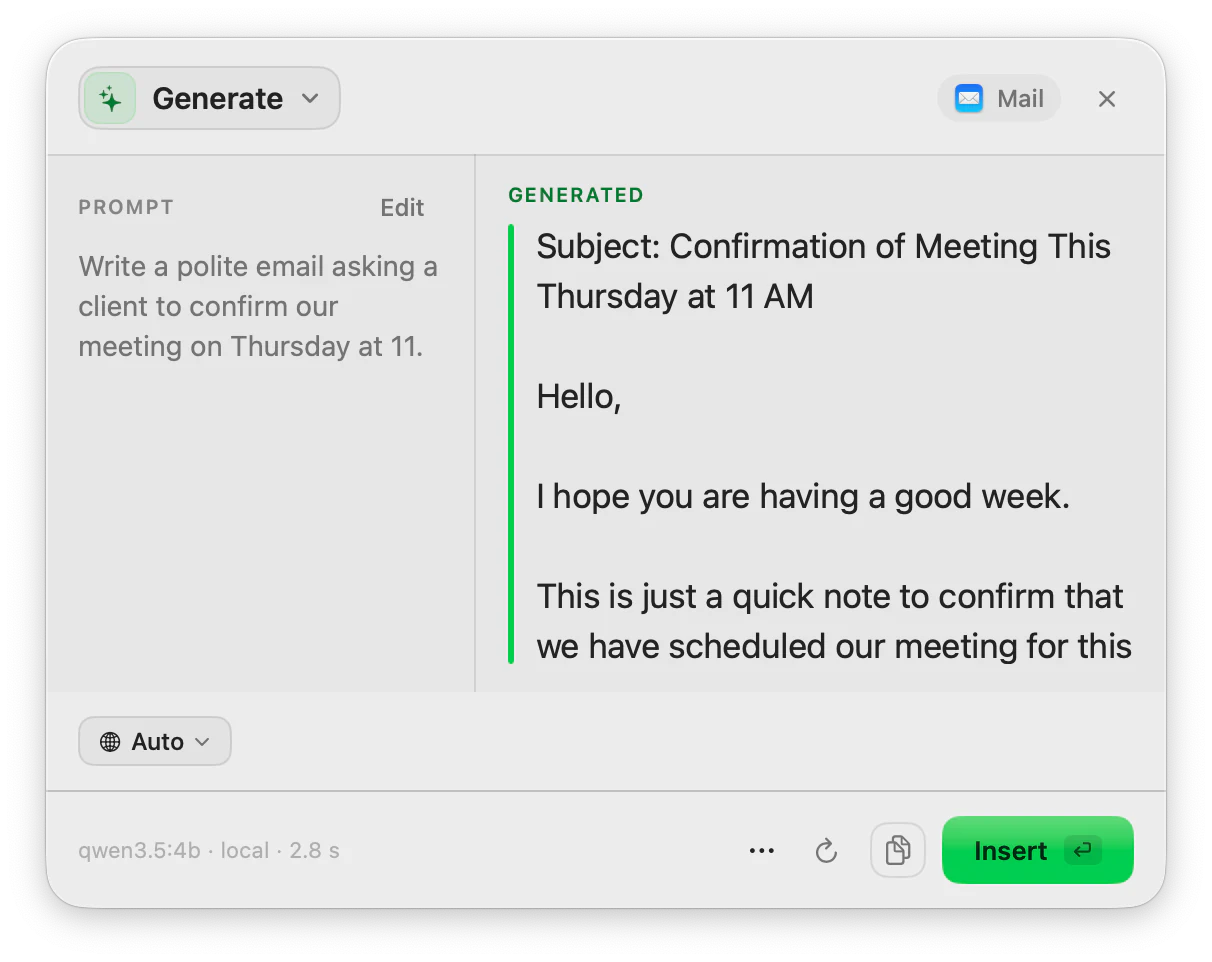
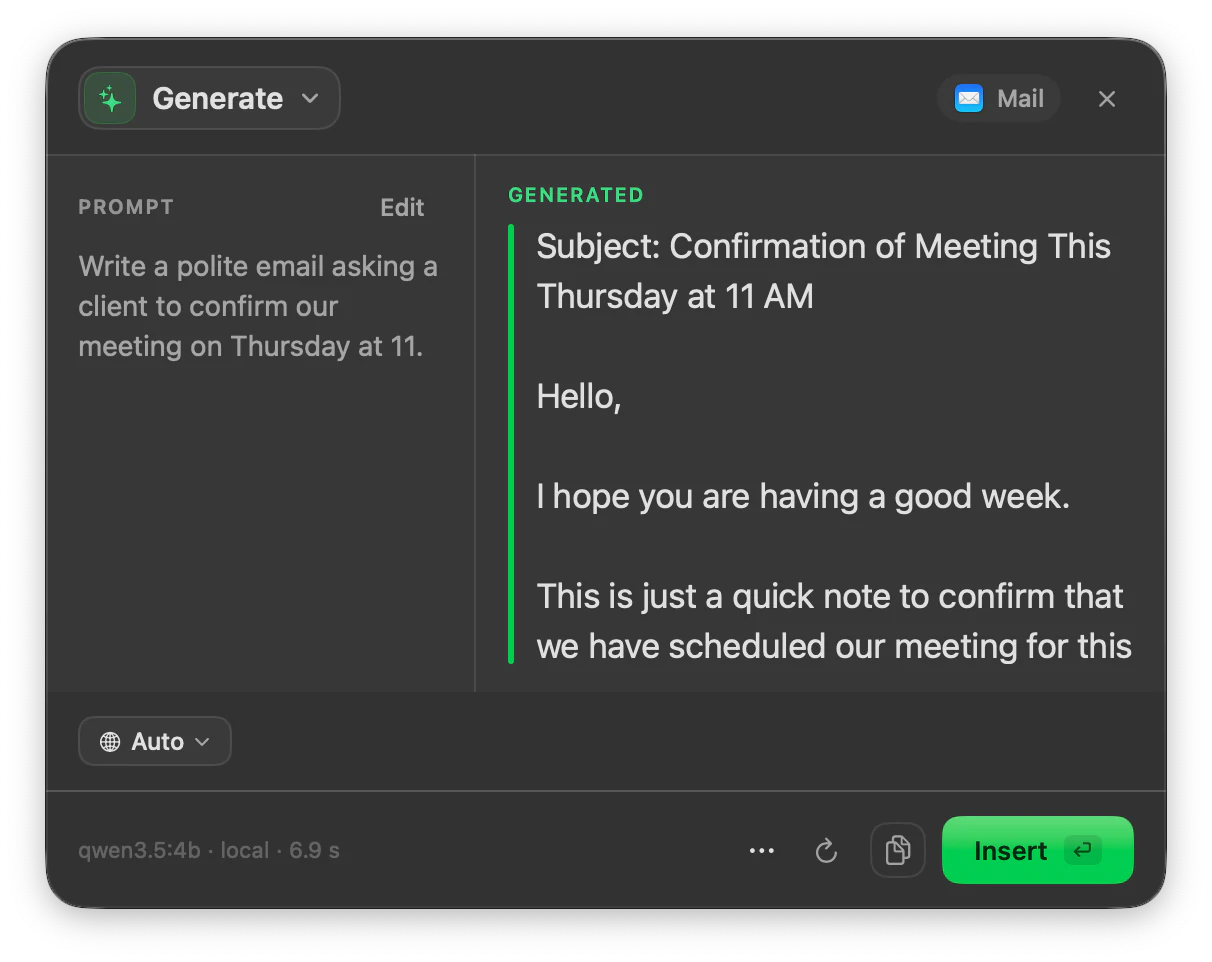
Generate is the ToneMate action that writes new text from a short prompt you type or speak. The draft appears in the panel, you can regenerate it to see other versions, and Insert puts it where you were writing. Generate uses the first 400 characters of your prompt, and runs with a local model or your own API key.
Quick facts
- The prompt can be typed or spoken; speech is transcribed on your Mac.
- Uses the first 400 characters of your prompt.
- Regenerate keeps every version, so you can compare drafts.
- Local models (Ollama, MLX) or your own cloud API key.
How it works
- 1
Write or say the prompt
Describe what you need in a sentence or two: who it is for and what it should say.
- 2
Press your shortcut
Use the shortcut you assigned to Generate, or open it from the menu bar, then run it.
- 3
Read the draft
It appears in the panel. Regenerate for another version.
- 4
Insert and edit
Insert the draft where you were writing and make it yours.
A draft, then your edit
Generate is for the first version. Run it, insert the result and then use the other actions to shape it: Rewrite for tone, Expand/Shorten for length, Proofread for a final check. They share one panel, so switching does not mean selecting the text again.
Say the prompt
Press the microphone in the panel and speak your prompt instead of typing it. ToneMate transcribes it on your Mac before writing the draft.
Good to know
What it does not do, and what you need first.
- Only the first 400 characters of the prompt are used. Put the important part first.
- Generate writes a draft from one prompt; it is not a conversation. Regenerate or change the prompt to steer it.
- A model can invent details. Check names, dates and numbers before you send anything.
- Quality and speed depend on the model you choose. It works where you can select, copy and paste text.
Where it helps
A polite email
Describe it in a line and get a first version with a subject and greeting.
A short post or description
Draft the first version and edit from there.
A reply when you are stuck
Say what you want to answer and let the draft start it.
Notes into prose
Give a few bullet points and get a paragraph.
Frequently asked questions
How long can my prompt be?
Generate uses the first 400 characters. If you have more to say, put the key instructions at the start.
Can I get different versions?
Yes. Regenerate adds a new version and you step through them, all saved in the same history entry.
Can I dictate the prompt?
Yes. Use the microphone in the panel; the speech is transcribed locally and then used as the prompt.
Is my text sent to a server?
ToneMate never sends your text to its own servers. With a local model your text is processed on your Mac; with a cloud model it goes straight to the provider whose API key you added. The app only contacts ToneMate to check your license.
Can I buy or download ToneMate today?
You can download it, but not buy it yet. ToneMate is in free beta: download the app and request a free license key, which has no fixed end date. The plan for the full version is a one-time purchase that includes 2 licenses; when the first stable version comes out, a 30-day free trial starts.
Keep exploring
- RewriteChange the tone and wording of selected text, and compare it with the original before you insert it.Learn more
- Expand / ShortenMake selected text longer or shorter while keeping its message, and see what changed.Learn more
- ReplyDraft a reply from the conversation you can see, in a tone that fits the app, and review it before inserting.Learn more
- DictationHold the shortcut, speak and let go: speech is transcribed on your Mac and typed where your cursor is.Learn more
Generate with ToneMate in the free beta
ToneMate is in free beta. Download it and request a free license key: we email it to you.
Last updated: