
Guide · Local models
A local AI writing assistant for your Mac, and what to expect from it
ToneMate can run every text action with a model on your Mac. This is how it works, what it takes to set up, and an honest look at how small local models perform.
macOS 14 or later · Free while in beta · No subscription
In short
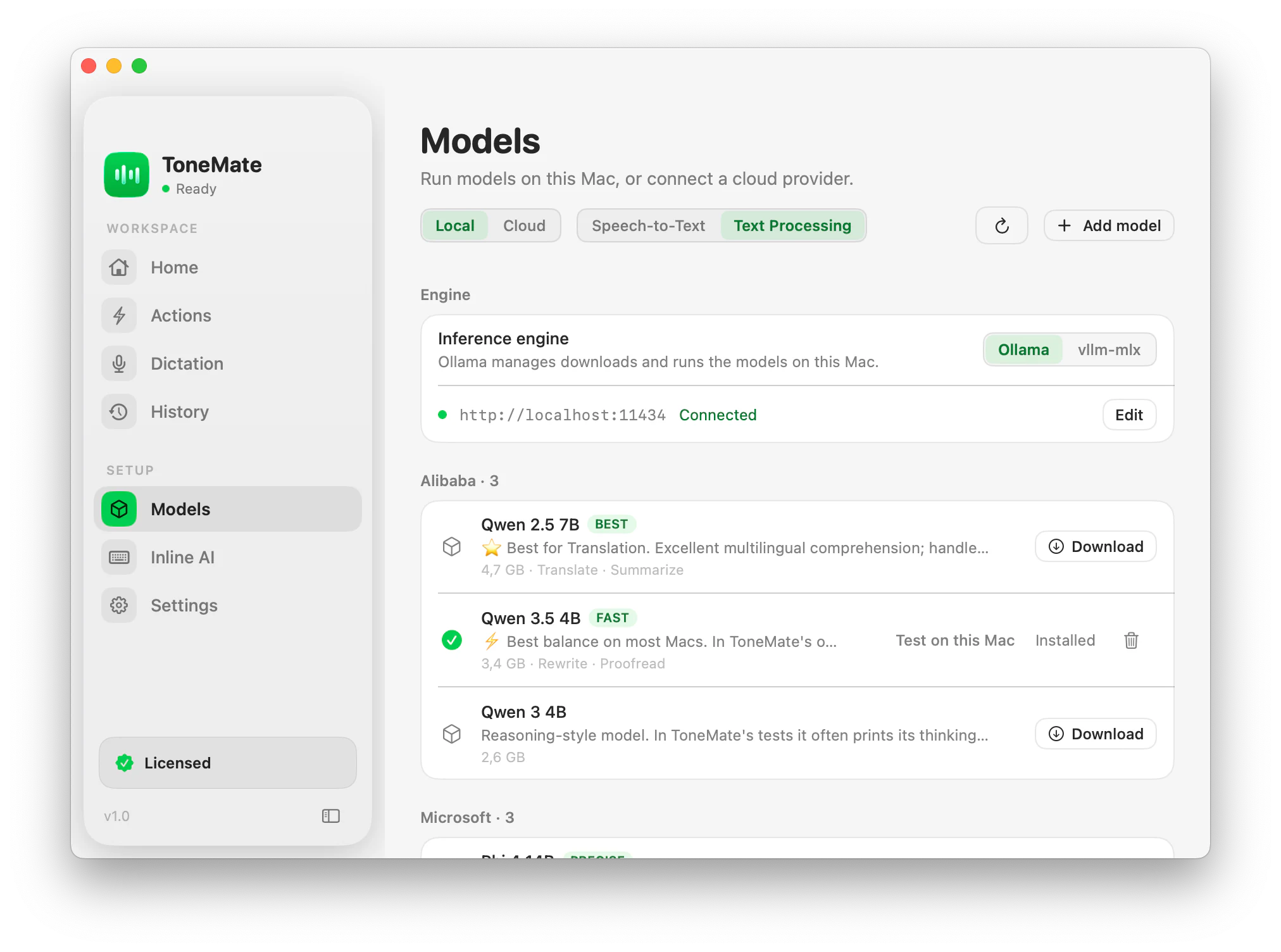
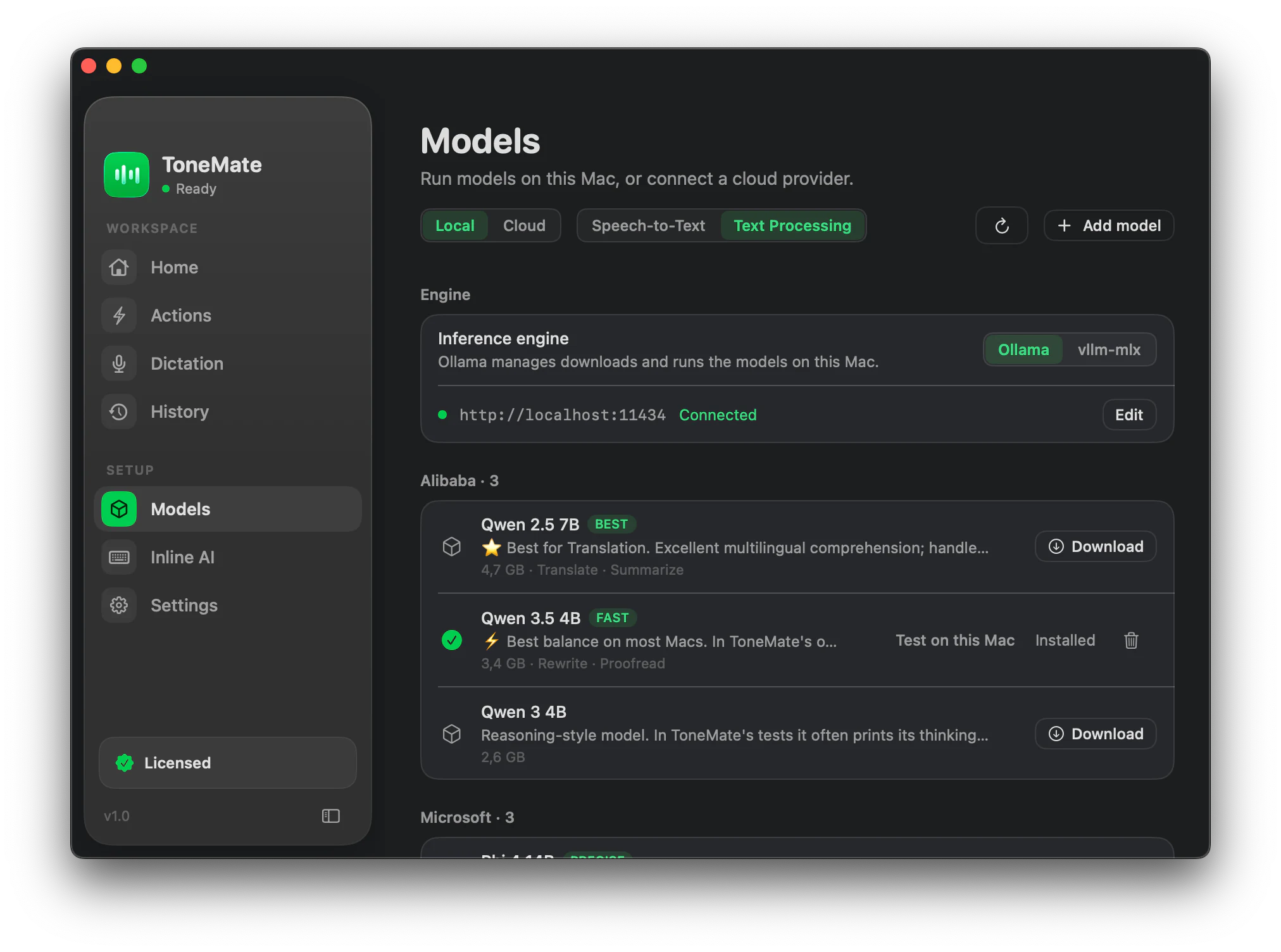
ToneMate runs its text actions with a local model on your Mac through Ollama or vllm-mlx, or with a cloud model using your own API key, and you choose per action. With a local model, your text is processed on your Mac. The app can download and remove Ollama models, start Ollama, and test a model with 12 real checks before you rely on it.
Quick facts
- Local engines: Ollama (default) and vllm-mlx; you can also add your own Ollama models by name.
- Cloud models are optional, with your own key for OpenAI, Anthropic, Google, Mistral or xAI.
- Responses stream in as they are generated with local models.
- “Test on this Mac” runs 12 real checks (language, typos, speed) and gives a verdict and a typical time.
How it works
- 1
Install an engine
Ollama is the default. ToneMate can start it and, if Homebrew is available, install it for you; otherwise you download it from ollama.com.
- 2
Pick a model
Choose one from the built-in catalog, or add your own Ollama model by name. ToneMate downloads and removes models for you.
- 3
Test it on your Mac
Run “Test on this Mac” to see how that model does on language, typos and speed on your hardware.
- 4
Assign it to actions
Use a different model per action if you like, for example a small one for quick fixes and a larger one for longer texts.
Why a built-in test
Small local models fail in odd ways: they answer in another language, add commentary, or leak their reasoning into the text. ToneMate locks the language in its prompts, checks the answer and retries once, cleans the output and treats your text as content rather than instructions. The test then tells you whether a particular model, on your particular Mac, is good enough.
What we measured
These are results from our own checks, run on 3 October 2026 on one Mac (an M4 with 16 GB of memory) with Ollama, on a small set of cases and a single pass per case. They show how the test works, not what you should expect: a Mac with less memory can be two to three times slower, and long texts take longer.
What leaves your Mac
With a local model your text is processed on your Mac, by the engine running there. If you point the engine to another machine, your text goes there instead. Apart from your text, the app contacts ToneMate's license server to activate and check your license, and downloads models from the Internet when you ask. Release builds can send crash reports to a crash-reporting service.
Results of our 12-check test (one Mac, small corpus)
| Model (Ollama) | Checks passed | Typical time per action, or note |
|---|---|---|
| qwen3.5:2b | 12 of 12 | about 1.0 s |
| qwen3.5:4b | 12 of 12 | about 2.1 s |
| qwen2.5:7b | 12 of 12 | about 2.1 s |
| qwen3.5:9b | 12 of 12 | about 3.4 s |
| phi4-mini | 11 of 12 | not recorded |
| qwen3:4b | 1 of 12 | leaks its reasoning into the text |
Good to know
What it does not do, and what you need first.
- You need an engine running on your Mac (Ollama or vllm-mlx) and enough memory for the model you pick.
- The numbers above come from one Mac and a small corpus; treat them as an example of what the test reports.
- Long texts take longer: correcting about 8,500 characters took 70 to 110 seconds in our tests.
- Local models are not as capable as the largest cloud models. You can use a cloud model for the actions that need it.
Where it helps
Text you would rather keep on your Mac
Run the actions with a local model and no cloud provider.
Working offline
Local models and dictation work without a connection once downloaded.
No API costs
A local model does not bill per use.
Choosing per action
A small model for quick fixes, a larger one for longer writing.
Frequently asked questions
Does a local model keep my text on my Mac?
Yes: with a local model the text is processed by the engine on your Mac. The only exception is if you point the engine to another machine. ToneMate never sends your text to its own servers.
Which local model should I use?
Use “Test on this Mac” to compare the models on your own hardware. In our test on one Mac, several small models passed all 12 checks and one did not, which is why we test before recommending.
Do I need Ollama?
You need a local engine: Ollama or vllm-mlx. ToneMate can start Ollama and, with Homebrew, install it. Cloud models need no engine, only your API key.
Does it work offline?
Local models and dictation work without a connection once their models are downloaded. The license needs a connection to activate and to be checked again at least every 7 days.
Can I buy or download ToneMate today?
You can download it, but not buy it yet. ToneMate is in free beta: download the app and request a free license key, which has no fixed end date. The plan for the full version is a one-time purchase that includes 2 licenses; when the first stable version comes out, a 30-day free trial starts.
Keep exploring
- RewriteChange the tone and wording of selected text, and compare it with the original before you insert it.Learn more
- ProofreadFix grammar, spelling, punctuation and style in the text you select, and see every change.Learn more
- DictationHold the shortcut, speak and let go: speech is transcribed on your Mac and typed where your cursor is.Learn more
- Inline assistantOptional suggestions as you type: underlines and a bubble with the fix, only in the apps you allow.Learn more
Try local AI with ToneMate in the free beta
ToneMate is in free beta. Download it and request a free license key: we email it to you.
Last updated: